Email the clients you actually know.
Email marketing built on the contacts, companies and lists already in your workspace — so you write to them with the account history in front of you.
The list is your client record, not a spreadsheet you bought.
Build a list from the companies and people already in the workspace, or import one from CSV or Excel with column mapping and a report of any rows that could not be read.
A list can hold companies, individual people, or people with no company attached — so the audience matches how the relationship actually works.
412 people across 180 companies
Column mapping, with unusable rows reported
Anyone who has unsubscribed is removed before sending
Sent properly, from your own domain.
The parts that decide whether a campaign reaches an inbox are handled in the product, not left to you.
Your sending domain
Verify a domain and ClientSphere gives you the DKIM and ownership records to publish and checks them for you, with DMARC and a custom return-path available per domain when you want them.
Unsubscribes honoured
Every message carries a working unsubscribe link, and anyone who uses it is suppressed before the next send — not after it.
Bounces and complaints
Delivery events come back into the workspace, so a bad address is visible against the record rather than lost in a report.
Merge fields resolved, as the recipient sees it
One to yourself first
Nothing goes out before you mean it to.
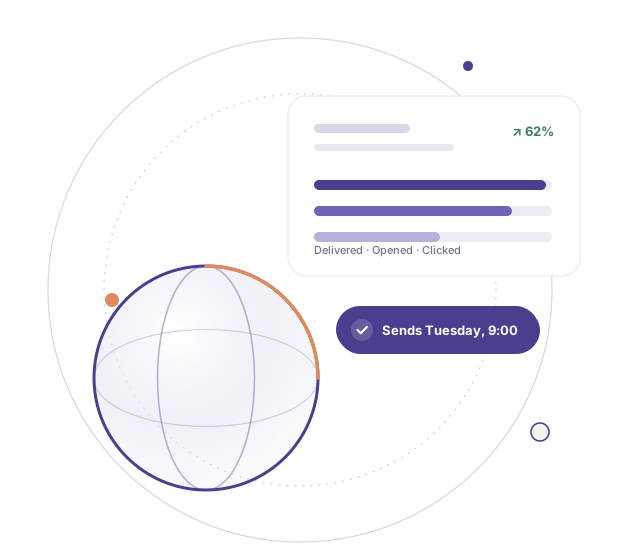
Preview the message with merge fields filled in, send yourself a test, then send now or schedule it for later. A scheduled campaign can be edited or cancelled right up until it fires.
And if something is wrong once it has started, you can stop a send that is already in flight. Anyone not yet reached is left alone.
Written for the person, not the segment.
Merge fields pull from the same client record the rest of the workspace uses, so the message reflects what you already know.
Build
Choose a list, or import one.
Compose
Personalise with name, role and company.
Send
Now, or scheduled — and stoppable.
Measure
Delivered, opened, bounced, unsubscribed.
Talk to your clients from where you keep them.
Campaigns sit in the same workspace as the accounts, conversations and invoices behind them.